Note
Go to the end to download the full example code.
Image Effect
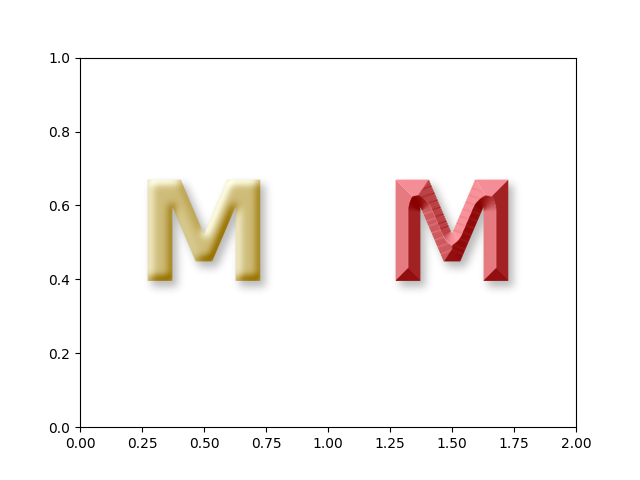
import numpy as np
from matplotlib.patheffects import AbstractPathEffect, Normal
from matplotlib import cbook
import matplotlib.pyplot as plt
from mpl_visual_context.patheffects import StrokeOnly, GCModify, ImageEffect

from abc import abstractmethod


fig, ax = plt.subplots(num=1, clear=True)
t1 = ax.text(
    0.5,
    0.5,
    "M",
    size=100,
    color="y",
    weight="bold",
    va="center",
    ha="center",
)

t2 = ax.text(
    1.5,
    0.5,
    "M",
    size=100,
    color="r",
    weight="bold",
    va="center",
    ha="center",
)

ax.set_xlim(0, 2)

from mpl_visual_context.image_effect import (
    AlphaAxb,
    Pad,
    Fill,
    Dilation,
    Gaussian,
    Offset,
)

import mpl_visual_context.patheffects as pe
from mpl_visual_context.image_effect import LightSource, LightSourceSharp


shadow = ImageEffect(
    AlphaAxb((0.3, 0)) | Pad(15) | Fill("k") | Dilation(2) | Gaussian(3) | Offset(5, -5)
)

t1.set_path_effects([
    shadow,
    ImageEffect(Pad(10) | LightSource(azdeg=215))
])

t2.set_path_effects([
    shadow,
    ImageEffect(Pad(10) | LightSourceSharp(azdeg=215))
])

plt.show()
Total running time of the script: (0 minutes 0.070 seconds)