Note
Go to the end to download the full example code
Gradient & AlphaGradient
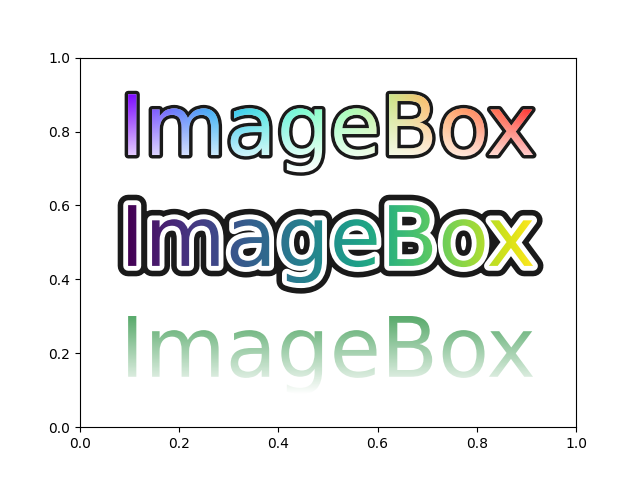
import numpy as np

import matplotlib.pyplot as plt

from mpl_visual_context.patheffects import (Gradient, AlphaGradient)
from mpl_visual_context.patheffects import (StrokeOnly,
                                            StrokeColor, FillColor,
                                            GCModify)
from matplotlib.patheffects import Normal

fig, ax = plt.subplots(num=1, clear=True)

t1 = ax.text(0.5, 0.2, "ImageBox", size=60,
             color="g", va="center", ha="center")

t2 = ax.text(0.5, 0.5, "ImageBox", size=60,
             color="g", va="center", ha="center")

t3 = ax.text(0.5, 0.8, "ImageBox", size=60,
             color="g", va="center", ha="center")


t1.set_path_effects([
    AlphaGradient("up"),
])

t2.set_path_effects([
    GCModify(linewidth=15) | StrokeColor("k") | StrokeOnly(),
    GCModify(linewidth=7) | StrokeColor("w") | StrokeOnly(),
    Gradient("right"),
])

t3.set_path_effects([
    GCModify(linewidth=5) | StrokeColor("k") | StrokeOnly(),
    FillColor("w"),
    Gradient("right", "up", cmap="rainbow"),
])

plt.show()
Total running time of the script: (0 minutes 0.249 seconds)