Note
Go to the end to download the full example code
Affine demo
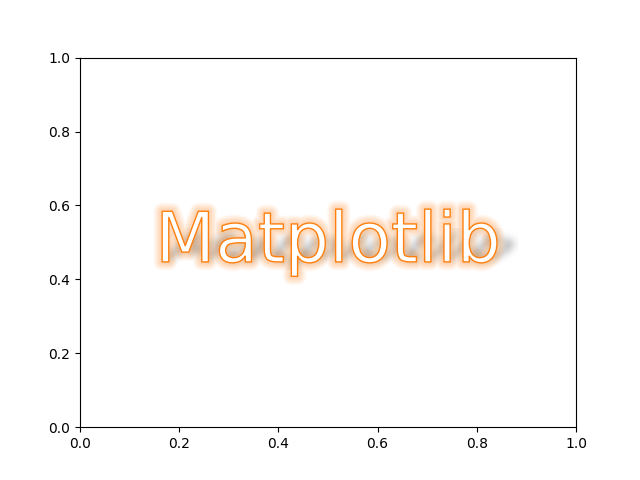
import matplotlib.pyplot as plt
from matplotlib.patheffects import Normal
from mpl_visual_context.patheffects import FillColor
from mpl_visual_context.patheffects_transform import Affine
from mpl_visual_context.patheffects import (AlphaGradient, ImageEffect,
                                            StrokeColorFromFillColor,
                                            FillColor,
                                            GCModify,
                                            Glow)
from mpl_visual_context.image_effect import GaussianBlur, Pad, Fill


fig, ax = plt.subplots(num=1, clear=True)
t = ax.text(0.5, 0.5, "Matplotlib", va="center", ha="center", size=50,
            rotation=0, color="C1")

shadow = (Affine().scale(1, 0.5).skew_deg(45, 0).translate(5, 5)
          | AlphaGradient("0.6 ^ 0.3"))
blur = ImageEffect(Pad(4)|Fill("k")|GaussianBlur(4))

t.set_path_effects([shadow | blur,
                    StrokeColorFromFillColor() | GCModify(linewidth=2) | Glow(),
                    StrokeColorFromFillColor() | GCModify(linewidth=1) | FillColor("w"),
                    ])

plt.show()
Total running time of the script: (0 minutes 0.165 seconds)